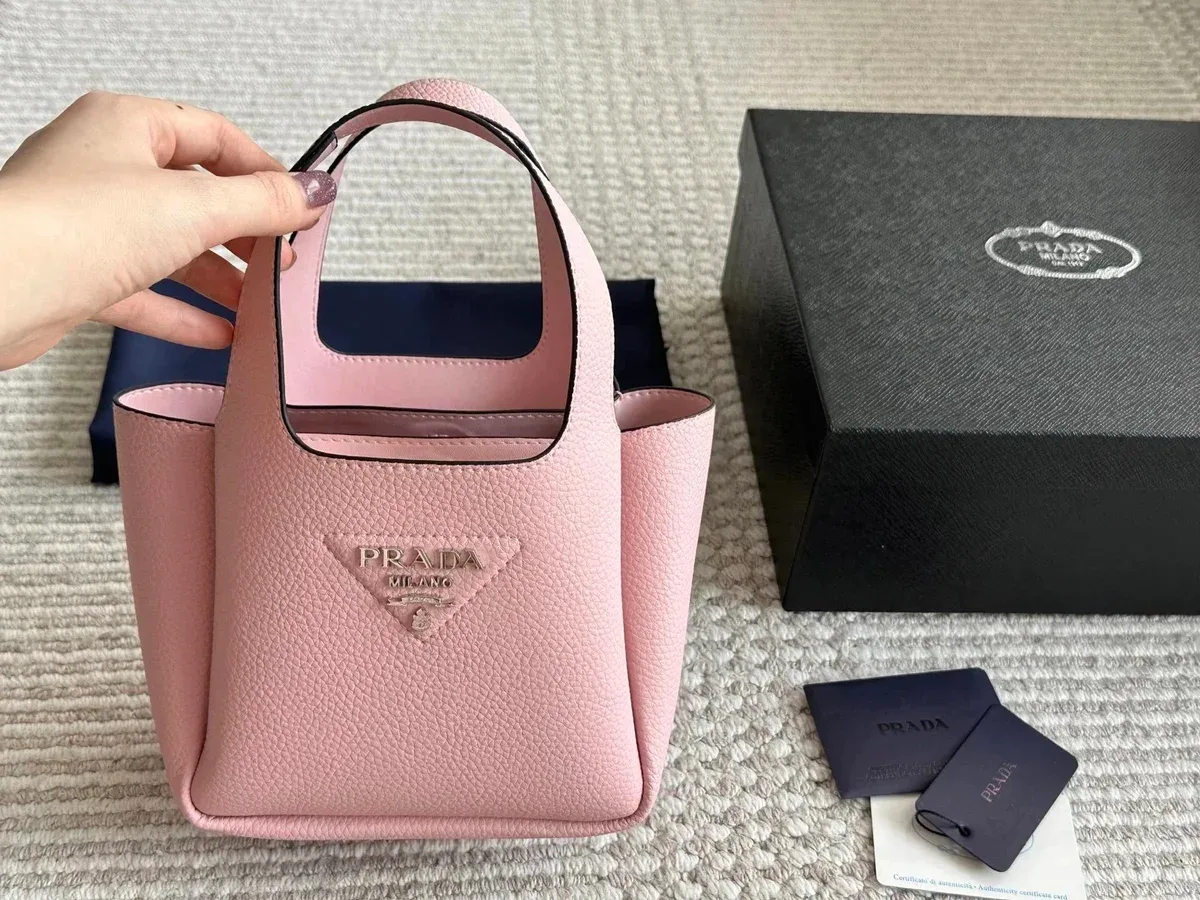
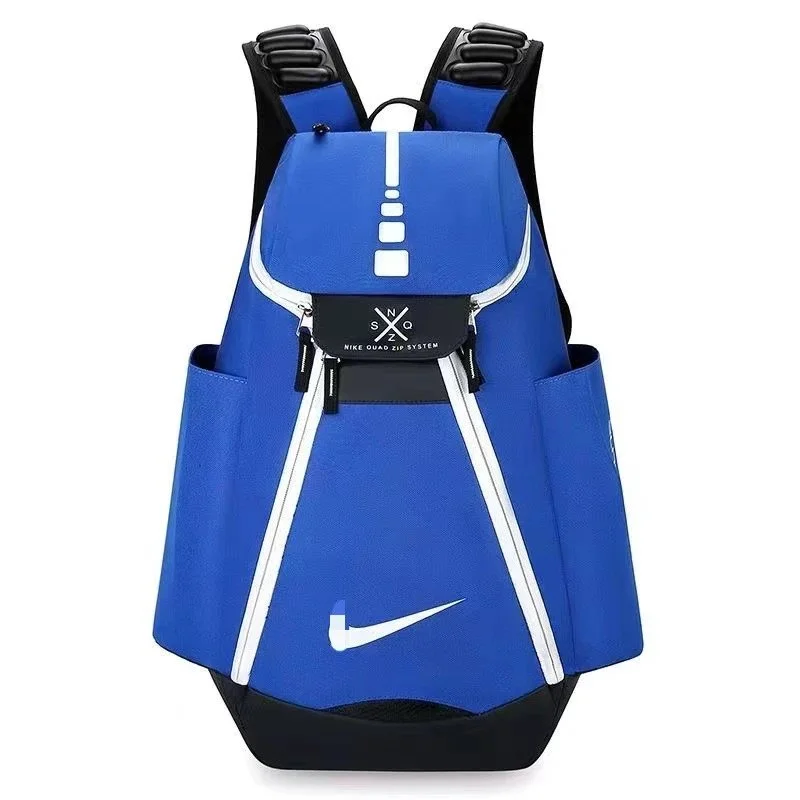
Compare the same details for each candidate: exact model, selected variant, measurements, item price and information still missing.
Okeyhaul SpreadsheetPublished Updated
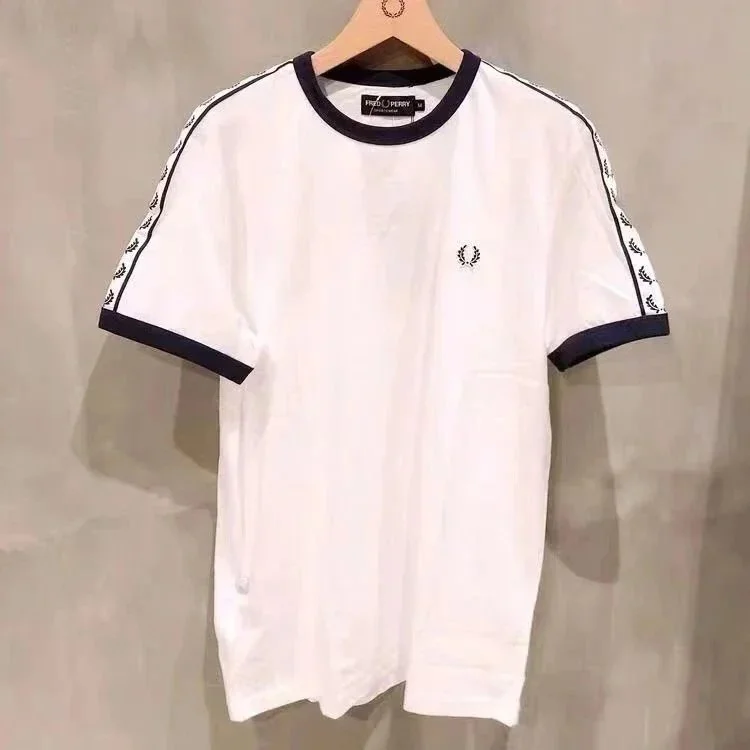
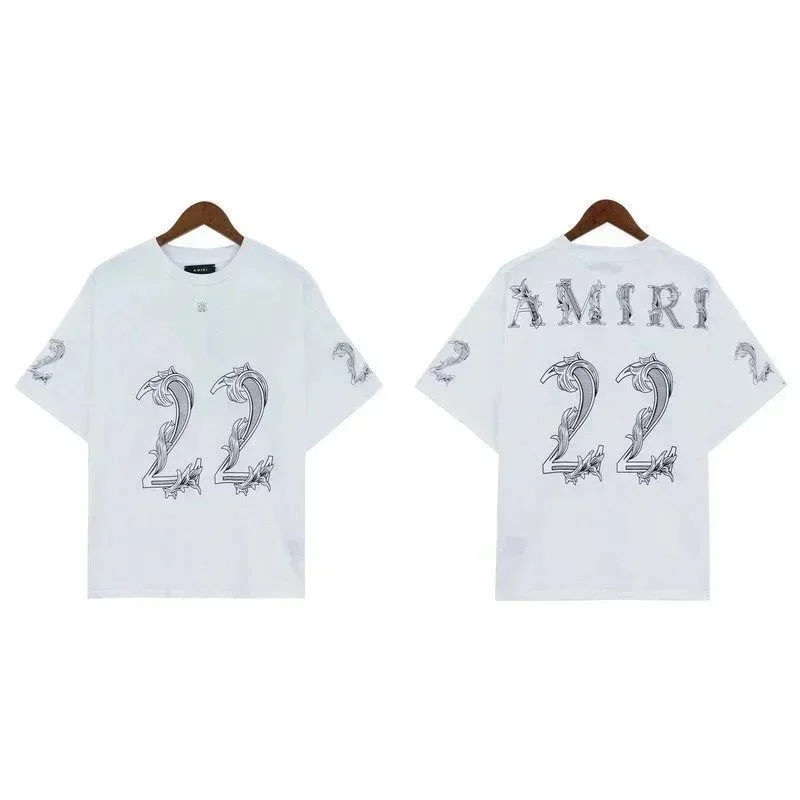
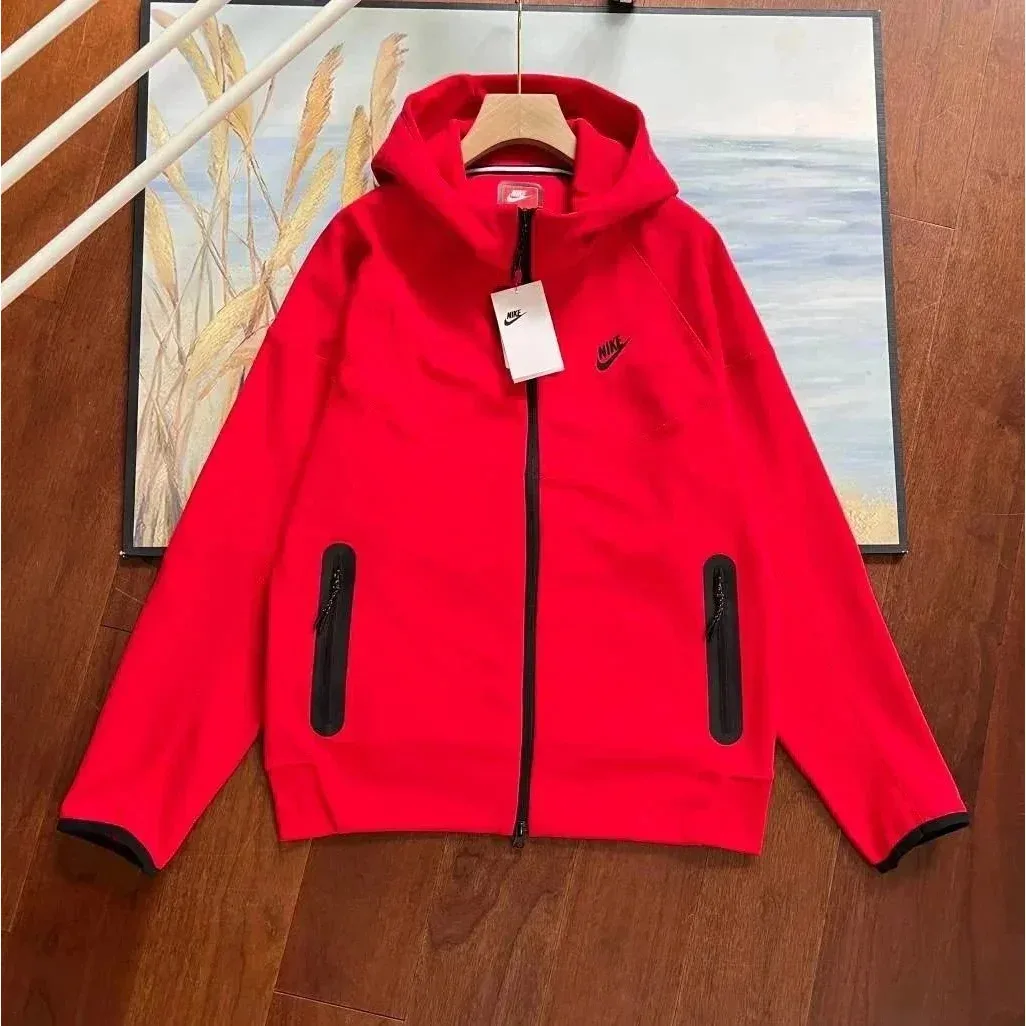
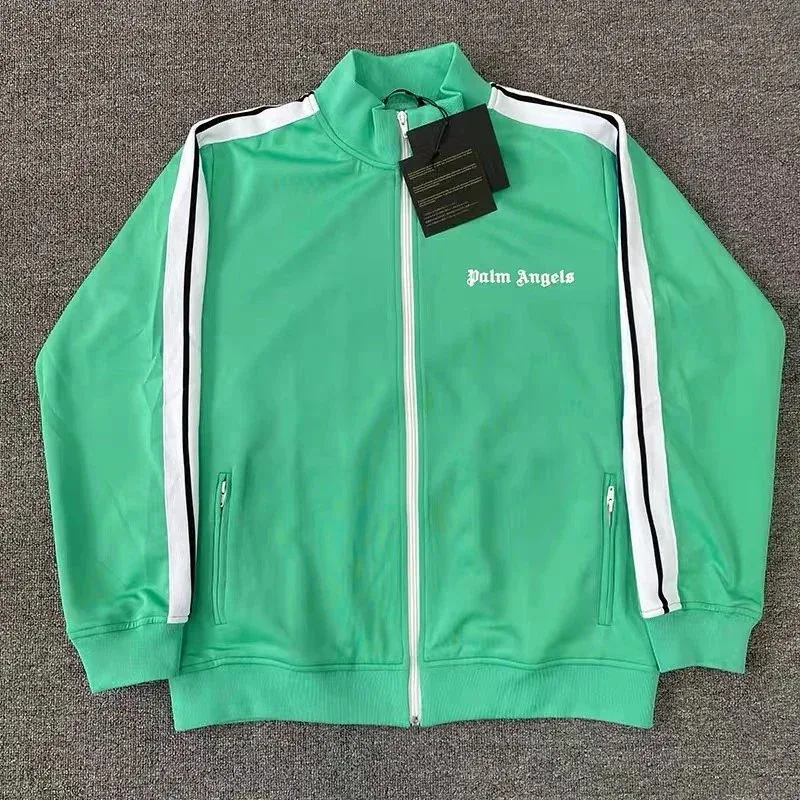
Product imagery from our t shirts selection.On this page
A useful shortlist compares the same details for every candidate. Start with the exact item and variant, record the measurement definition and item reference price, then mark anything the listing does not establish. This checklist helps you choose what to investigate next.
Record a comparable row
Detail
What to save
What to check
Identity
Model, listing link and selected variant
Similar names can describe different versions
Dimensions
Stated measurements and their definition
Body, flat garment and component measurements differ
Photos
Cover and relevant detail views
The images may show another option or earlier order
Price
Currency, selling unit and date checked
An item reference is separate from delivery charges
Open questions
Information still missing
Keep unknown details visible instead of guessing
Use the category selections to find candidates. The homepage is the product-discovery entry point; this article explains how to compare the candidates you save.
Compare the feature that matters to you
Choose an intended use before ranking alternatives. For a tee, that might be body length and chest width; for a bag, the opening and compartment needed for your device; for a hoodie, the interior finish and room for another layer.
For a bag, compare the opening and usable space, not just the outside silhouette. Compare bag openings and dimensions when making a shortlist for a particular device.
Consider three hypothetical T-shirts. A has the lowest item price but no garment measurements. B lists flat chest width and length that can be compared with a tee you own. C has a different graphic but only a tagged size. The descriptions do not prove that B is the best product. They show that its measurements answer more of that particular fit question.
Check the clothing measurement method before treating the numbers as comparable. A size label alone cannot fill the missing cells.
Separate another style from another photo
Two cover images may show the same model in different colors. Conversely, nearly identical names can hide different materials or construction. Keep each candidate attached to its own selected option and full listing.
The photo comparison guide distinguishes seller images, shared QC and arrival photos. A buyer’s close-up gives context for that order; it does not verify every option in your shortlist.
A price may cover one piece, a pair or a pack. Note the selling unit and keep delivery charges separate. The unit-price and basket examples show how changing the quantity can change which option suits you.
Keep the shortlist manageable and current
Baymard’s product-list research describes browsing problems with both very long and very short default lists. It does not set an ideal number for this spreadsheet. Our practical application is to save enough alternatives to compare meaningful differences, then remove entries that do not meet your stated requirements.
Record when you checked each full listing. Reopen it before deciding: price, available variants and the information supplied can change. The point of the shortlist is to preserve a comparison, not to turn an old snapshot into a promise of availability.
Write a shopping brief before opening more tabs
A shortlist becomes easier to use when it starts with a job. “Find a black T-shirt” leaves many possible answers. “Find a black T-shirt to wear under my current jacket, with a similar length to my favorite shirt” gives the comparison a purpose. The brief does not need to be complicated: name the use, the feature that would rule an item out, and the amount you intend to spend on the item itself.
Separate requirements from preferences. A bag that must carry a particular device has a functional constraint; a preferred buckle color is usually a preference. If the opening is too small, a low price cannot compensate. If the opening works but the color is your second choice, you can decide whether that trade-off is acceptable. This separation prevents an attractive photo from quietly changing the task halfway through your search.
Required: the characteristic that must be established before the item stays on the list.
Preferred: the design detail you can compare after the requirements are met.
Unknown: a missing fact that needs a question, measurement or another view.
Budget: the item-price limit, with delivery planning recorded separately.
Worked example: three T-shirts with different gaps
Suppose a T-shirt you already like measures 58 cm across the chest when laid flat and 70 cm in body length. Those are reference-garment dimensions, not body measurements or a recommendation for another shopper. You find the three hypothetical options below. Their measurements are useful only if the listings use the same starting points and measuring state as your reference.
Candidate
Listed information
Useful next step
T-shirt A
€18; size M; no garment measurements
Ask for flat chest width and body length for the exact option.
T-shirt B
€24; flat chest width 58 cm; body length 71 cm
Confirm the method and whether the extra 1 cm of length suits the intended outfit.
T-shirt C
€21; flat chest width 62 cm; body length 65 cm
Consider the wider, shorter proportions as a different silhouette.
B is easier to investigate for this particular brief because its stated dimensions resemble the reference. That does not make it a better-made garment. C may be the more interesting choice for someone who actually wants a shorter, wider shape. A remains an incomplete candidate: its lower price is real in the example, but the missing dimensions should stay visible rather than being filled with an assumption about M.
The next action is therefore different for each row. Ask A for information, check B’s measuring method, and decide whether C’s proportions fit the intended use. A useful comparison ends with these specific actions. It does not need to manufacture a single score that pretends price, style and missing information all have the same meaning.
Keep the source of each fact beside the fact
A measurement typed into a listing, a ruler visible in a photograph and a buyer’s remembered description are different records. Save where a value came from. If the listing gives a length for size L while the photograph shows size M, keep both labels attached. The fact that one record contains a number does not make it the specification for every option.
A practical note can be as short as “listing chart, size L, method unclear” or “buyer photo, size M, earlier order.” When information changes, this note makes the disagreement understandable. You can ask which size the current chart describes instead of assuming that the largest number, newest-looking image or most confident wording must be right.
Use a date for observations that can become stale, including an item price or available option. Keep a separate note for what you personally want, such as your reference shirt’s length. Rechecking a listing should update its product facts; it should not silently alter the preference you started with.
Use three practical shortlist states
Give each candidate a working state: ready to compare, needs information, or outside the brief. These labels describe the decision you can make now. They are more useful than calling every appealing cover a favorite and then trying to remember why one entry was saved.
State
Reason
Action
Ready to compare
The important fields are present and refer to the selected option.
Compare preferences and price on the same basis.
Needs information
A required dimension, component or variant is unclear.
Ask one focused question and keep the answer with the row.
Outside the brief
A known feature conflicts with the intended use.
Remove it from this shortlist or save it for a different task.
Do not turn the states into an automatic quality rating. An item outside a device-size brief can still suit someone carrying smaller belongings. An item needing information is not necessarily defective. The states keep your reason for continuing, pausing or stopping explicit.
A comparison record you can reuse
For each saved candidate, record the product link, model, selected color and size, selling unit, item price, relevant dimensions, measuring method and photo source. Finish with a single next question. If you cannot explain the next question, the row may already contain enough information for the decision, or you may need to sharpen the original brief.
For the bag example, a useful question is: “For this selected size, what are the usable opening and internal compartment dimensions? The device I need to carry measures 30 cm across.” That is more actionable than asking whether the bag is large or good. It connects a missing fact with a defined use while leaving the seller room to identify a different size or an unresolved limitation.
Once you have comparable candidates, stop adding near-duplicates unless they offer a meaningful difference. You can return to the bag selection for another shape or to the photo comparison article for a missing view. A longer saved list is useful only when the extra entries improve the decision.
Questions that often stall a comparison
Should I choose the entry with the most details? More relevant information can make an option easier to evaluate, but it is not a quality test. Compare whether the known features suit your brief. A complete description of an unsuitable shape remains an unsuitable candidate for that task.
Can I compare items with different currencies? Yes, once you record a consistent conversion basis and equivalent quantities. Keep the original amount as well. The basket-cost article explains that arithmetic; the comparison row should make clear which numbers are original and which are converted.
What if the seller never answers the missing question? Keep the field marked unknown. Decide whether you are willing to choose with that uncertainty or continue with another candidate. Replacing an unanswered question with a guess makes the record look complete while removing the reason you paused.
Sources & editorial notes
Checked on . This article combines independently written analysis with the published evidence below.
Usability observations about very long and very short product lists, and the different demands of mobile browsing. The application to fashion spreadsheets is our editorial analysis, not a Baymard study of this website.
Examples and interpretations are identified in the text. Research findings do not establish the quality, availability or performance of individual products in our selection.
Use seller images for the listed design, QC photos for visible inspection details and buyer photos for a historical order. Check the variant and context each time.